
Orange County Name Case Search
A name search works best after the court and case type are known. Orange County district civil, family, felony, and delinquent-tax cases belong with the District Clerk. County Court at Law civil, probate, misdemeanor, and juvenile records belong with the County Clerk. Fine-only citations stay with the named Justice of the Peace or municipal court. This split keeps a broad party-name query from producing a misleading no-result.
Use the name as it likely appears in the case style, then narrow by court, role, and filing period. iDocket help describes litigant, attorney, county, court, date, and offense searches, though available fields can differ. The County Clerk also supports in-office index research and written requests when a web search does not settle the question.
- Read the notice, citation, or prior order to identify the court.
- Enter the last name and first name, preserving known spelling.
- Limit the Orange County case search by court, type, or date.
- Compare the result's cause number and filing date before opening it.
- Ask the responsible clerk to confirm a result needed for formal use.
| Field Label | Type | Required | Notes |
|---|---|---|---|
| Litigant or party | Text | Search dependent | Use a known legal spelling and verify the party role. |
| Attorney | Text | No | iDocket help identifies attorney search as an available dimension. |
| County and court | Selection | Often | Choose Orange County and the court named on the source record. |
| Date | Date or range | No | Use an approximate filing period to reduce common-name matches. |
| Offense | Text or selection | No | May assist with an eligible criminal or lower-court search. |
Orange County iDocket Case Search
The Orange County iDocket selection screen is a vendor-hosted route into participating district and county case data. Its help material describes searches by litigant, attorney, county, court, date, and offense, followed by case details such as the number and event chronology. Coverage and current availability still need checking at the time of search.
The source itself matters. iDocket states that it is independent of the county and court. Treat a match as a locator, then verify a status, setting, disposition, or document with the Orange County clerk that keeps the original case. The official iDocket help view shown here illustrates those search dimensions.
When several names match, compare the court, party role, filing date, category, and event sequence. Do not choose a result from the name alone. A person can appear in more than one role or case, and an attorney search answers a different question from a litigant search.
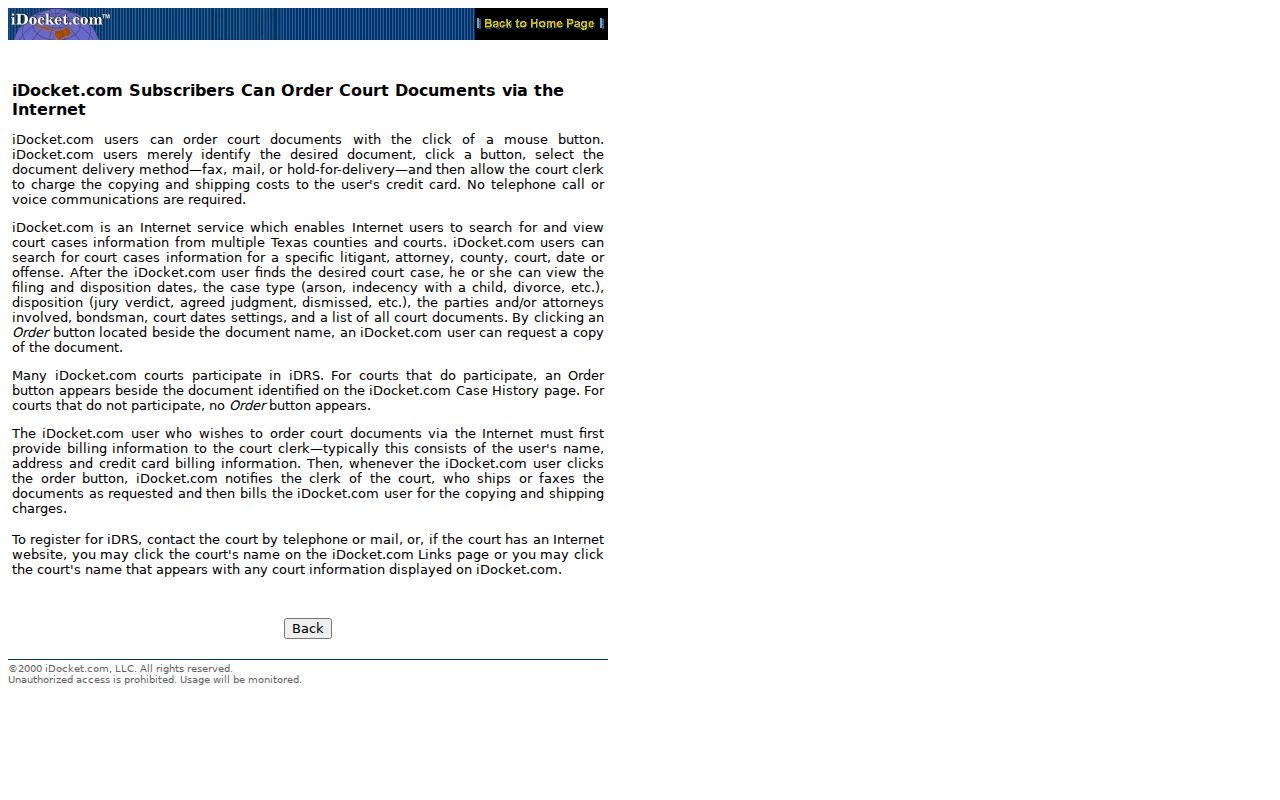
The field choices explain why court-first searching is more reliable than entering a name with no jurisdiction filter.
Orange County Records Search Trap
The County Clerk's page labeled “Online Records Search” is not a general Orange County case-search portal. Its visible choices cover Official Public Records and imaged books, including material from before 1985. Those indexes can be useful for recorded instruments, but they should not replace the court-and-clerk route for a district, County Court at Law, JP, or municipal case.
Myth: every county page containing the word “records” searches court cases. Fact: database coverage must be checked before treating a no-result as meaningful.
When the record sought is a court filing, identify the case type and responsible clerk first. Then use iDocket, re:SearchTX, the clerk's counter, or a written request as the research supports.
Orange County Case Number Search
A cause number is the strongest locator because it points to one file rather than every similar name. Enter it exactly as printed, including punctuation and any court prefix. Orange County research did not expose a safe universal local pattern, so do not rebuild or guess a number from memory. A source number such as cause number as printed should be copied from the citation, notice, pleading, or signed order.
Pair the number with the court. The same county has three district courts, two County Courts at Law, four JP offices, and several city courts. If a number produces nothing, check whether it was entered in the wrong system, whether an older file remains in an index book, or whether the record is restricted. A missing online match is not proof that the case does not exist.
Orange County Case Search Routing
The issuing court determines the search channel. This is the most useful Orange County case-search rule because custody is split across offices rather than held in a single county database.
| District Clerk | District civil, felony, family, and delinquent-tax cases. |
|---|---|
| County Clerk | County Court at Law civil, misdemeanor, probate, and juvenile files. |
| JP clerk | Fine-only offenses, traffic citations, justice suits, and small claims assigned to that precinct. |
| Municipal clerk | City ordinance, Class C, traffic, and municipal warrant matters. |
The county's Justice of the Peace overview shown below confirms that lower-court jurisdiction includes Class C and fine-only matters along with justice cases.
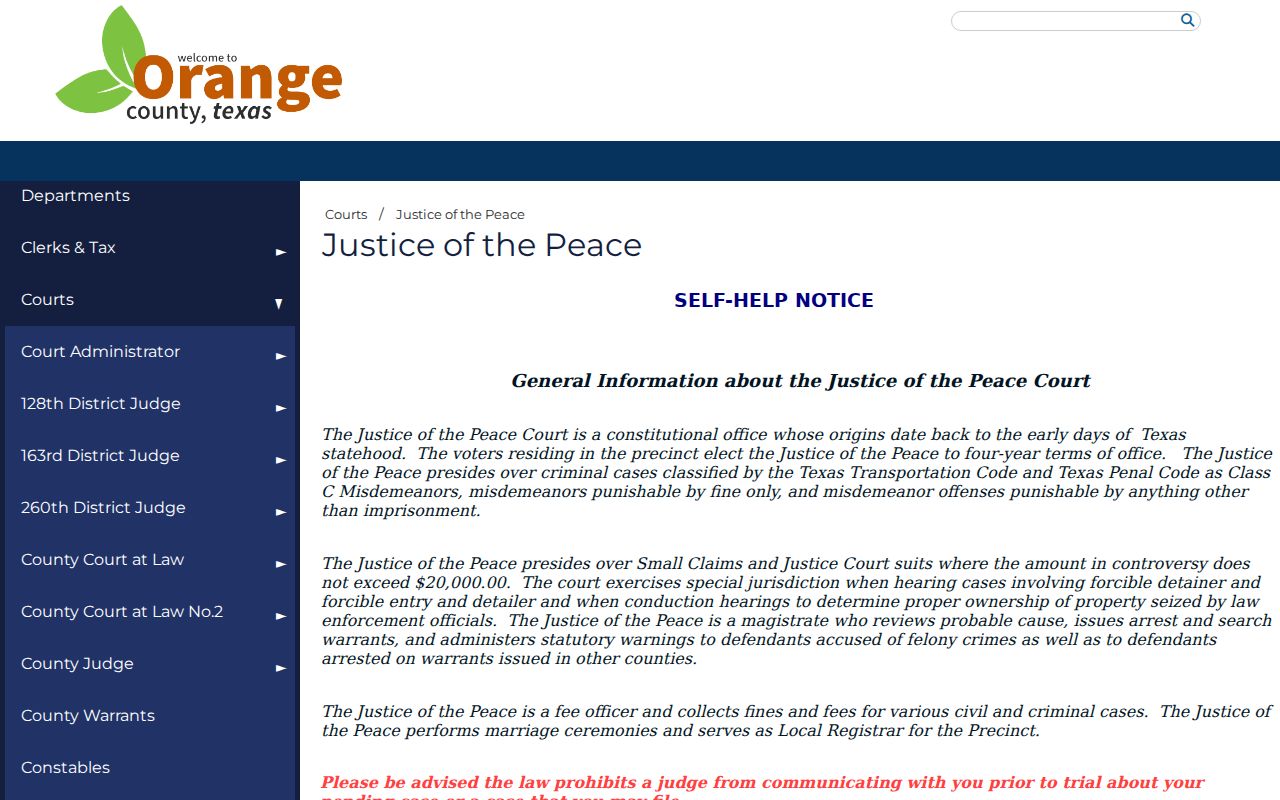
That separate lower-court track is why a JP citation may never appear in a district case result.
Orange County Case Search Results
A public result is usually a locator and chronology. It can identify the court, cause number, case style, party roles, filing date, judicial officer, settings, service returns, orders, disposition, and whether a document is available or restricted. An event date may mark a filing or order, not the next hearing. Read the event description and confirm an unclear future setting with the court coordinator.
| Cause number | The primary file locator, kept with its punctuation and court prefix. |
|---|---|
| Style and roles | The caption plus plaintiff, defendant, petitioner, or respondent roles. |
| Filing and event dates | The initial filing date and dated steps in the case history. |
| Setting | A hearing or trial placement, subject to confirmation after a reset. |
| Status or disposition | The system's current outcome label; the signed order supplies operative text. |
| Document flag | Whether an image can be viewed, bought, requested, or is restricted. |
Orange County Filing Versus Case Search
eFileTexas.gov transmits filings to a court. It is not the full public docket and it does not replace a clerk-certified copy. Orange County says civil, probate, and criminal filing is mandatory through the statewide filing process, while its local page also gives court-specific business rules.
The state filing portal pictured here helps parties submit an envelope, choose a court and filing code, attach documents, pay, and track acceptance or rejection.
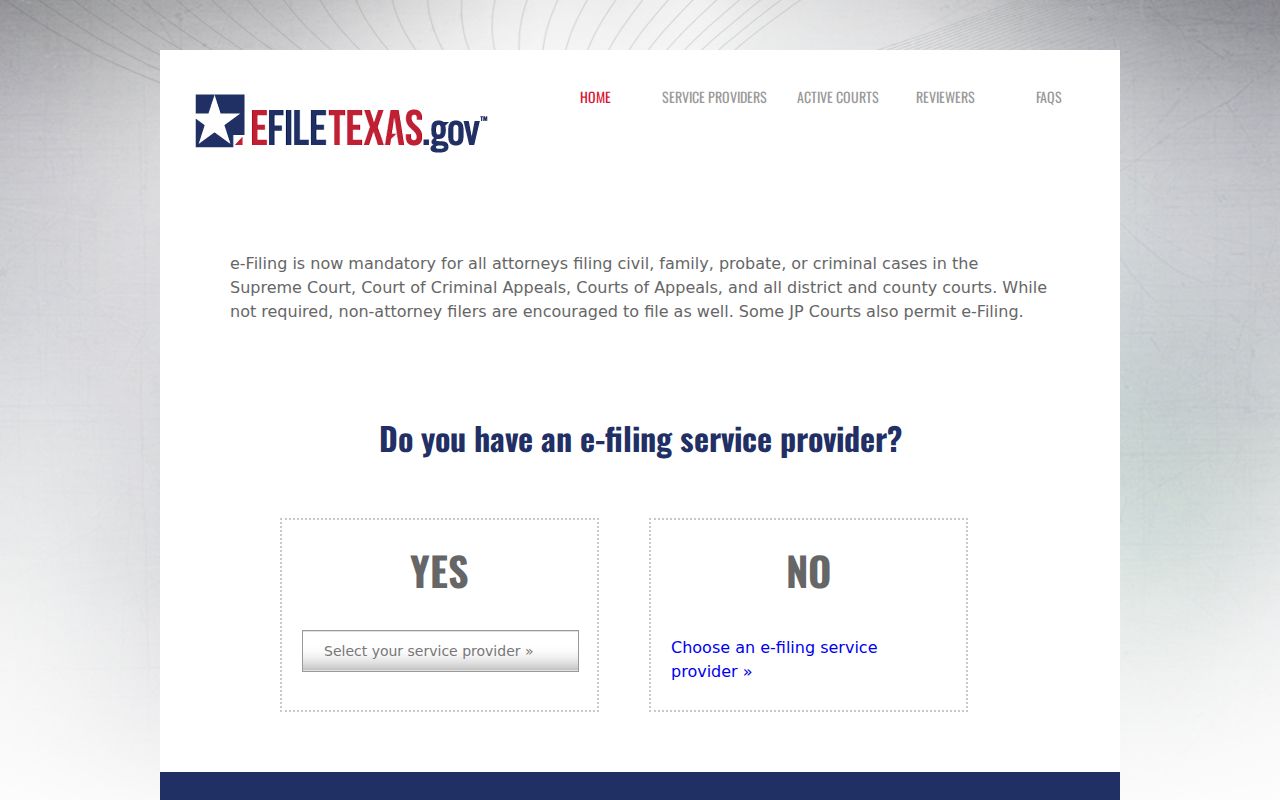
An accepted envelope can later create docket events, but sealed, rejected, historic, JP, and municipal material may follow other paths.
Note: Search the public case system for court activity, and use eFileTexas only for the filing task it was built to perform.
Statewide vs Orange County Case Search
Orange County links to re:SearchTX as a statewide location for participating electronic cases and copies. OCA materials describe case, filing, and hearing searches, saved cases, alerts, and document purchase. The statewide layer can help when the county is uncertain, but availability differs by court and record type. Criminal records are generally excluded from the statewide document repository, which makes the local clerk and iDocket route important.
| re:SearchTX | Orange County and clerk channels |
|---|---|
| Participating Texas courts and e-filed records | Orange County courts, clerk indexes, iDocket, and direct requests |
| Case, filing, hearing, alert, and purchase functions | Local event history and the path to the original custodian |
| Criminal repository coverage is generally excluded | Clerks remain the core route for felony and misdemeanor records |
Orange County Re:SearchTX Layer
The official re:SearchTX landing page shown here provides the statewide electronic layer that Orange County links from its e-filing instructions.
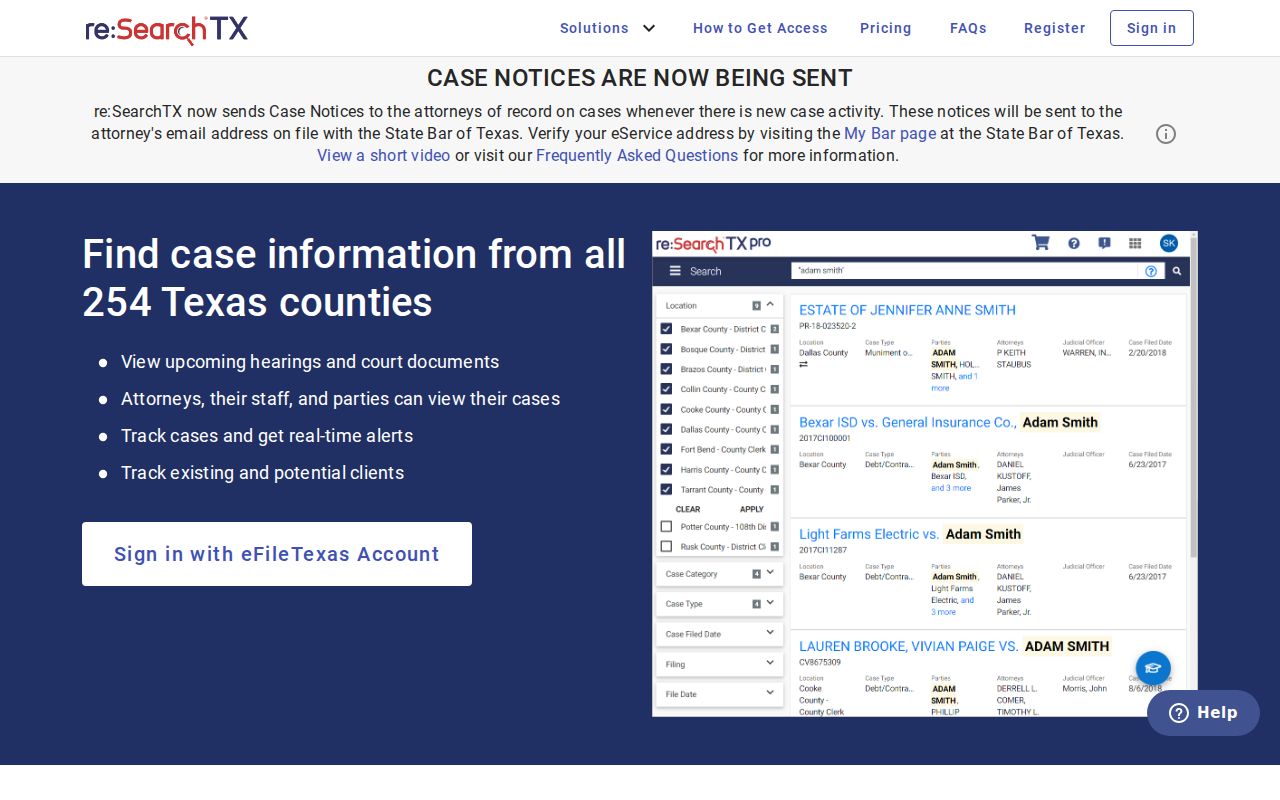
The statewide view is useful for locating an e-filed civil matter or hearing across participating courts. Registration may be needed for some functions, and document access can carry a charge. It is not a complete Orange County criminal index, a complete archive of paper-era cases, or a certification service.
Best cross-check: compare the court, cause number, filing date, and event description in both layers, then contact the original clerk if they conflict.
Access and Restricted Cases
Ordinary public court records are generally open, yet sealed, juvenile, confidential, expunged, protected-address, and redacted material may be absent or limited. Texas Rule of Civil Procedure 76a supplies the civil sealing framework. A no-result can also reflect a spelling issue, wrong court, processing lag, older format, or portal coverage gap.
The Texas Judicial Branch access policy separates administrative judicial records under Rule 12 from court case records held under common law, statutes, rules, and clerk custody. Send a case-record question to the clerk that holds the file. Do not try to bypass a restriction or publish private identifiers from a result.
Orange County offers counter access through the County Clerk's public computers and index books. Written mail searches are also accepted with the needed names, record category, relevant dates, and fee. Staff do not perform County Clerk searches by phone or email, although the District Clerk publishes case-type phone lines and each JP or municipal court can confirm its own record route.
Note: A docket entry summarizes activity; obtain the underlying filing or a certified copy before relying on the document's exact terms.